 Slice Away!


Slice Away! - Physics Puzzle Guide
Independent fan-made guides. Not affiliated with the game developer.
About the game
In Slice Away! - Physics Puzzle, swipe across objects to cut them, then use gravity to send the pieces into the grinder at the bottom. Clear the board within the move allowance by opening a route downward before spending cuts on the rest of the pile.
- Publisher
- Pickcel Games
- Platform
- Android · iPhone · iPad
- iOS release
- Game store
- Google Play
 · App Store
Game screenshots
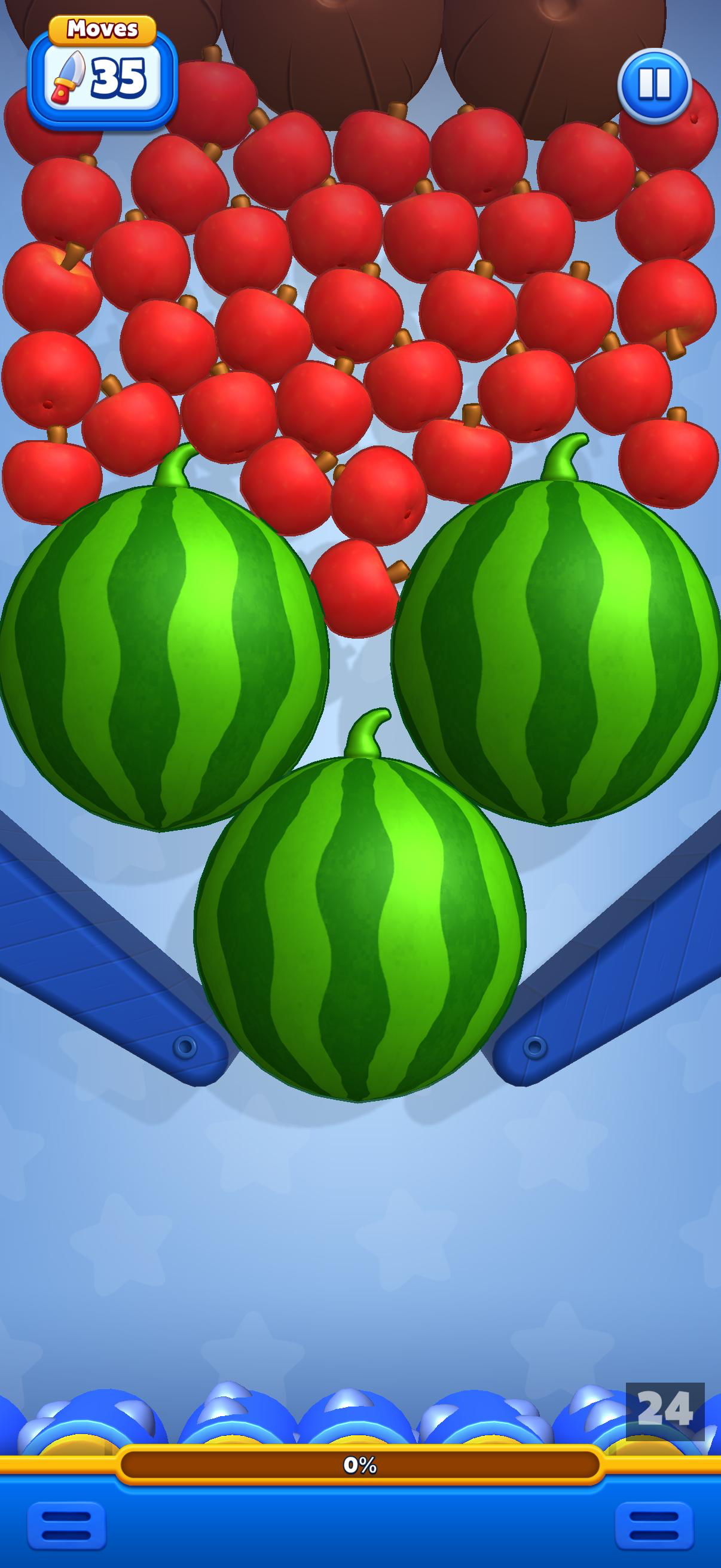
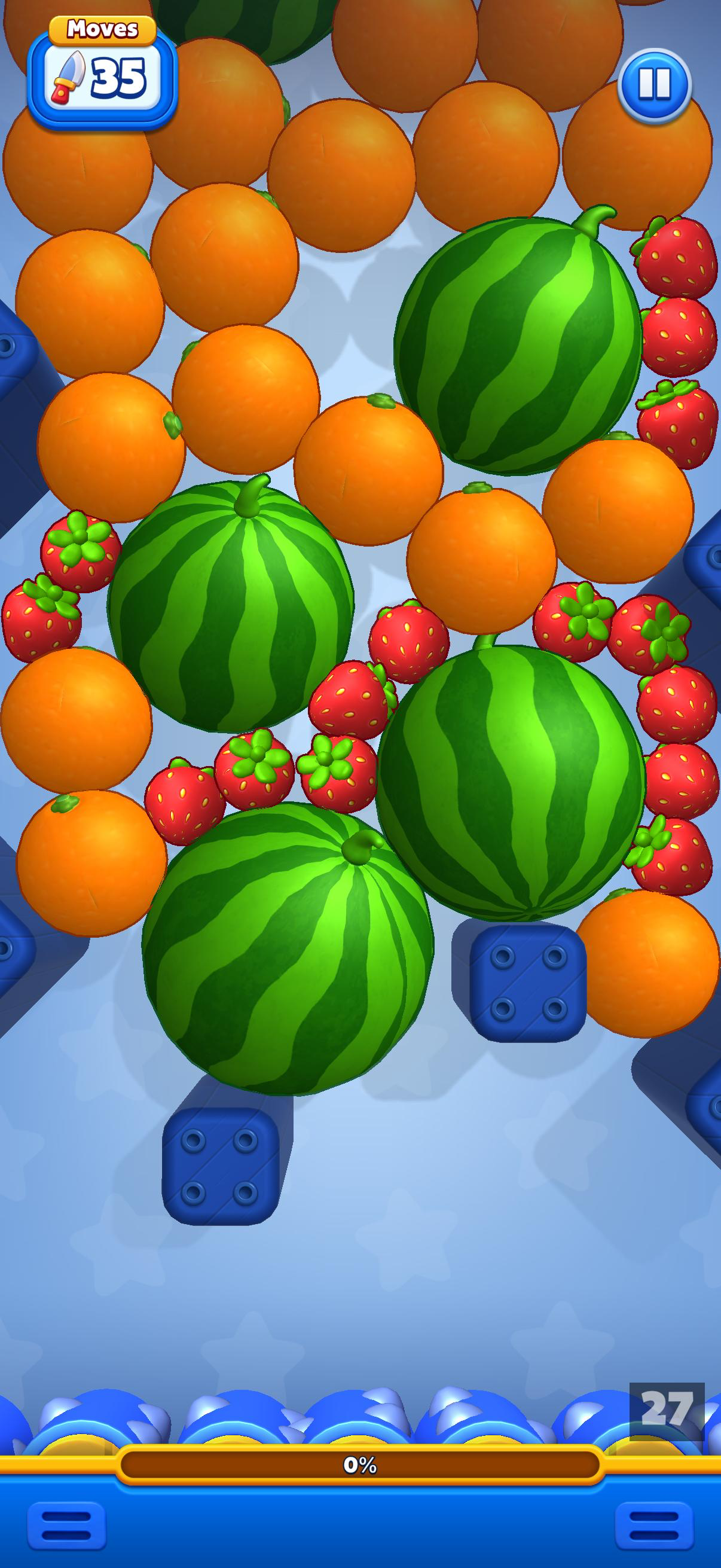
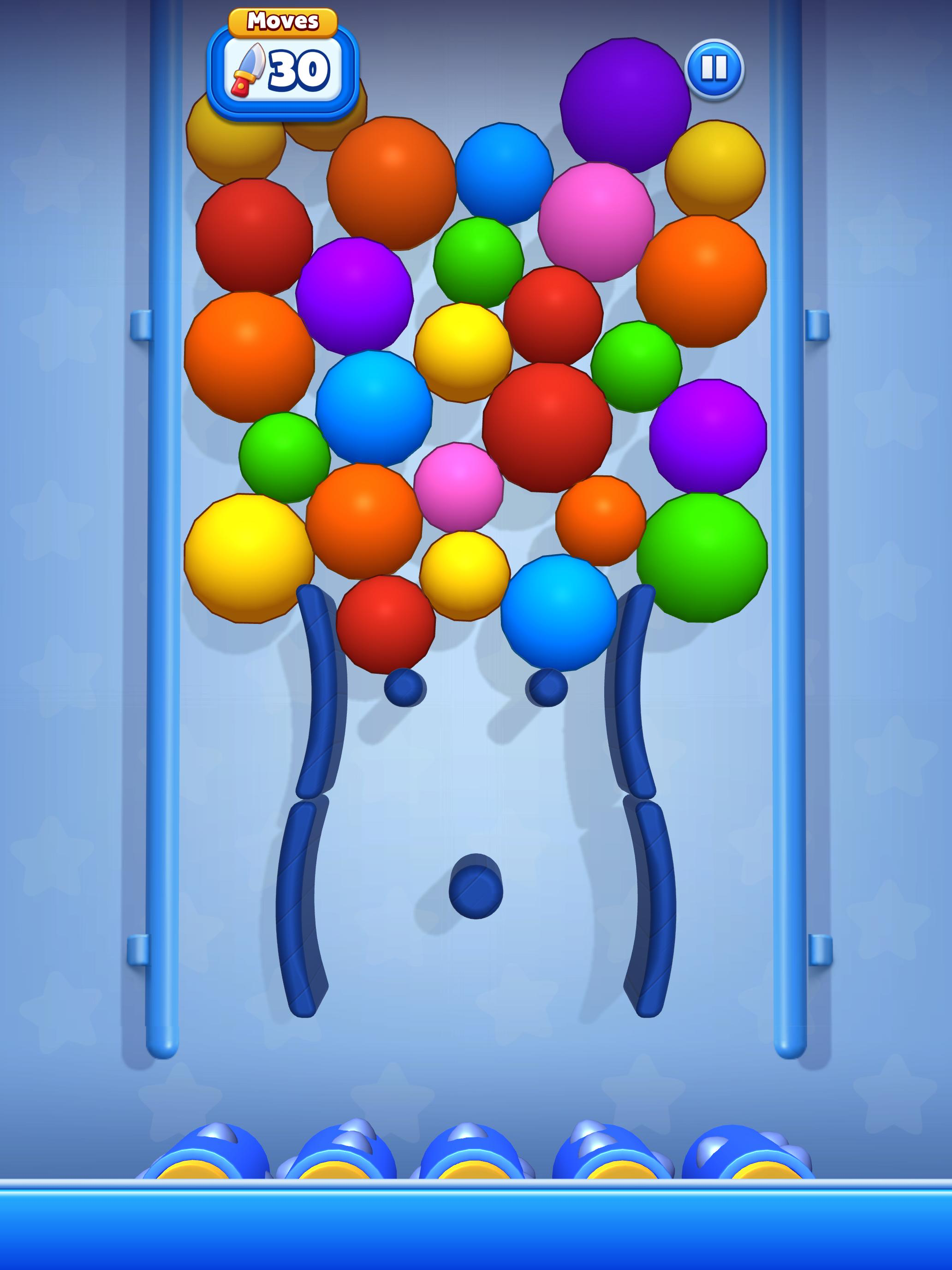
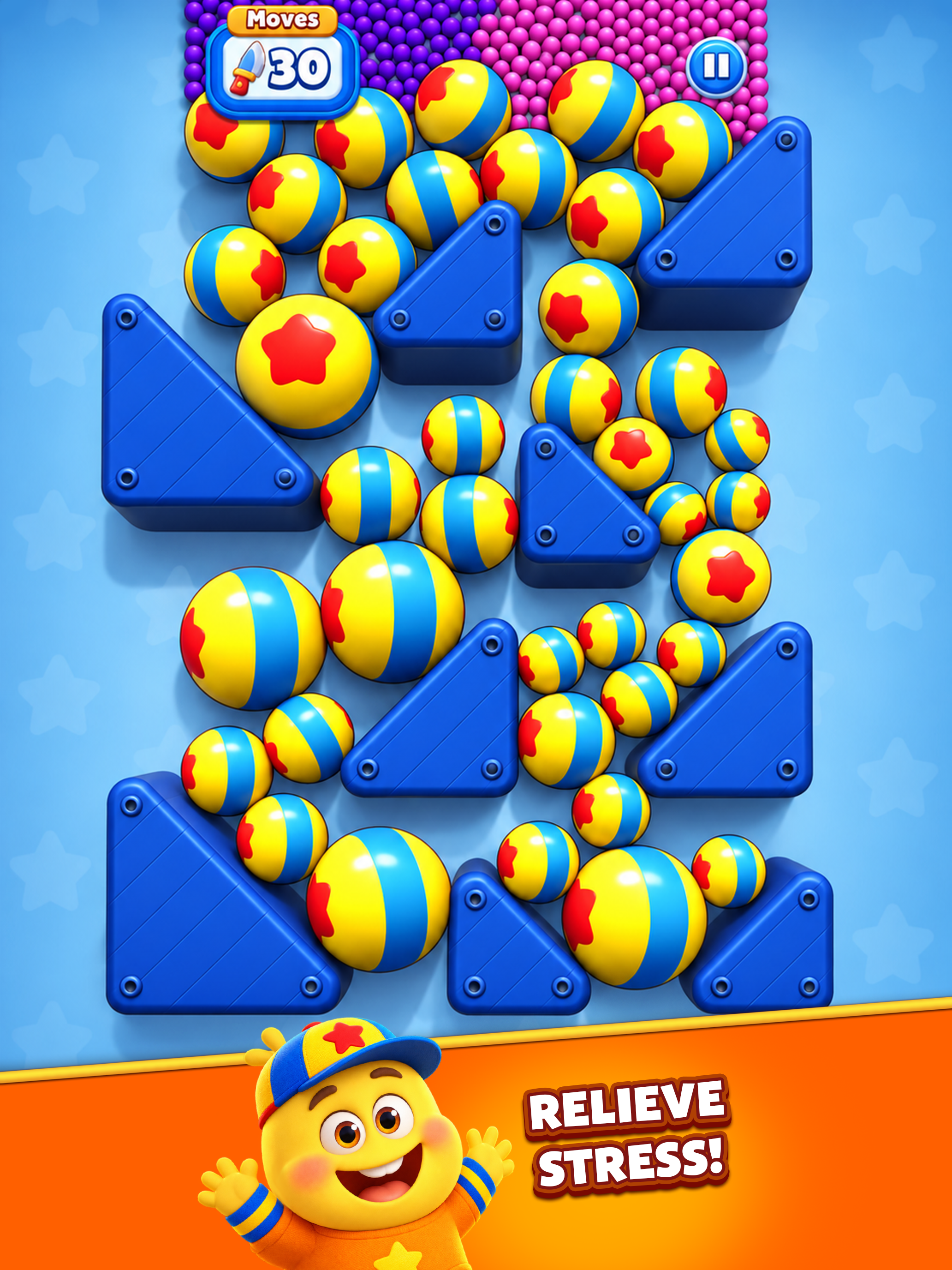
Read the board from the grinder up
Start at the grinder and trace the route backward to the objects. On an open board the route can be almost straight down. On a board with curved rails or staggered triangular blocks, pieces may have to move sideways before they can drop. This is why a cut directly over the grinder is sometimes less useful than one made farther up or to the side. Follow the available space and ask where the lower edge of the piece will go as it starts to fall.
A fruit pile gives you two different problems. Large watermelons can sit against blue blocks, while the smaller fruit above can collect around them. If the lower fruit is supporting a cluster, work on the support and give the upper pieces room to move. If most of the lower path is already open, look for the one heavy-looking piece that still bridges a gap. You can often tell which problem you have by looking at the lowest row before touching the screen.
Make the first swipe count
Decide what you expect to drop before drawing your line. A diagonal through a round fruit can produce a piece with room to slide down one side of an obstacle. A cut straight through the center produces more even pieces, which may still be too wide for a tight turn. If the board is crowded, leave space for the cut piece to change orientation without catching on the next ledge. Use the outline of the channel below the fruit to pick a useful angle.
After the swipe, watch the result until the board has settled. Loose fruit can change position as pieces collide. The cut you were about to make might hit a different shape once the stack has shifted. Check the Moves counter at the top of the screen and look for the next bottleneck. If several pieces are already moving toward the grinder, let them finish before you use another move.
Use the shapes and walls as clues
The 3D boards show more than just fruit. The App Store images include yellow striped balls among triangular barriers, round objects above a channel, and colorful shapes packed around blue walls. These layouts reward different cuts even though the swipe is the same. On the staggered board, read each opening as part of a route through several barriers. On the rail board, look at the direction a curved wall will send a round piece.
Color is a good way to track a piece as the pile shifts. Use the position of the shape and the opening underneath it to decide where to cut. Two red objects at opposite sides of a board can have very different routes. A green wedge slipping out of view behind another object may still be in play, so look for both the original object and any fragments left on the board before deciding what remains.
Recover when a piece gets stuck
A fragment can be small and still catch on a corner. Look for the edge resting on the obstacle. If a small slice there removes the part that holds the fragment up, the rest may fall with it. When a piece is wedged between two walls, a cut that gives one half a free side can help more than trimming the top. Always check where the offcut goes as well, especially if it can fall into the same narrow gap.
On a second attempt, keep the cuts that opened the path and change the first move that caused a jam. If a large piece sat on the lower rail, change the line through that piece before revising anything higher up. This saves time when two attempts look almost alike until the last few moves. The strategy guide gives examples of how to diagnose a jam from the shape and position of the remaining piece.
Game and store details
Pickcel Games publishes the game for iPhone and iPad on the App Store and for Android on Google Play. Apple lists iOS and iPadOS 15.0 or later. The store screenshots are good examples of the kinds of layouts you will encounter, including tight corners, larger fruit packed under small pieces, and rails that change the direction of a fall. Use your own board and move count when choosing a solution.
The app is free to download on the App Store, which also lists ads and in-app purchases including No Ads and coin packs. For current offers, device compatibility, and purchase terms use the listing for your platform and region. You can practice the basic loop with the available moves on the board, and the guides here focus on choices you can make with an ordinary swipe.
Frequently asked questions
What is the goal?
Send the pieces into the grinder below and clear the board using the available moves.
Where should I cut first?
Find the object blocking the lowest useful route. Cut where a fragment has room to drop through the opening.
Should I wait between swipes?
Wait until loose pieces settle, then reassess the route and the counter before committing to the next cut.
Why do small pieces get stuck?
A pointed edge or a wide side can catch at a corner. Look at the contact point and change the shape that is holding the piece up.
Can I use the same angle on every board?
The best angle depends on what is below the object. A diagonal can help on a sloped rail, while a smaller cut may work better through a tight opening.
Is the game on Android and iOS?
Pickcel Games has a Google Play listing for Android and an App Store listing for iPhone and iPad. Availability can vary by region.